The latest Quisk for Linux or Windows is available from PyPi.org.
After the initial installation, standard Python setup tools are used to upgrade versions.
The installation instructions are here.
Please see CHANGELOG.txt for changes to Quisk.
The documentation is here.
Here is the help file.
The main group for Internet support is https://groups.io/g/n2adr-sdr. Please direct question there. There are other specialized groups you can find by a search.
Quisk is a Software Defined Radio (SDR) and is the software that controls my receiver and transmitter. Quisk rhymes with "brisk", and is QSK plus a few letters to make it easier to pronounce. QSK is a Q signal meaning full breakin CW, and Quisk has been designed for low latency CW operation. It works fine for SSB and AM too. Quisk is written in Python and C, and all source is included so you can change it yourself. The Quisk receiver can read the sample data, tune it, filter it, demodulate it, and send the audio to the sound card for output to external headphones or speakers. The Quisk transmitter can accept microphone input and send that to your transmitter via a soundcard or Ethernet. For CW, Quisk can mute the audio and substitute a side tone. Quisk offers these capabilities:
If you have supported hardware, then Quisk is ready for you to use. If you have other receive hardware, then you will need to change the file quisk_hardware.py to connect your receiver to Quisk. For example, if you change your VFO frequency with a serial port, then you need to change quisk_hardware.py to send characters to the serial port. The file quisk_hardware.py is written in the Python programming language, a very easy language to learn and use. I have tried to make Quisk easy to modify so it can be used for hardware other than my own.
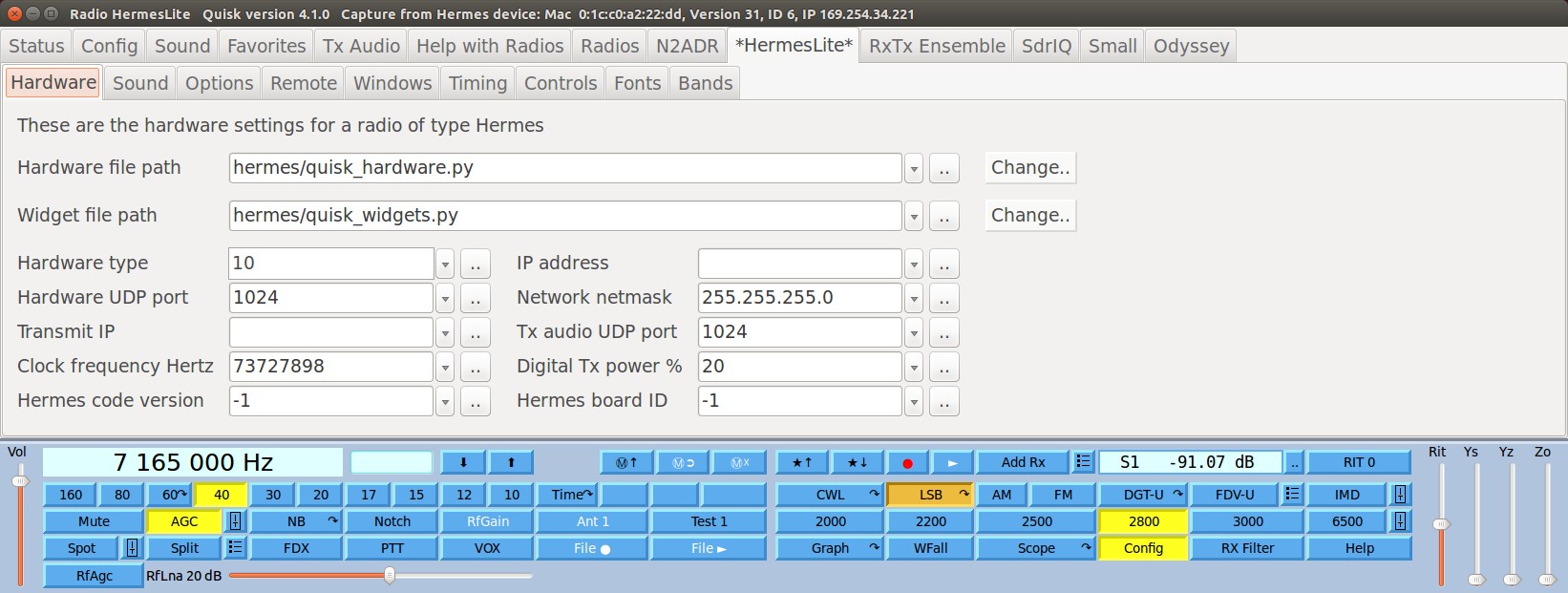
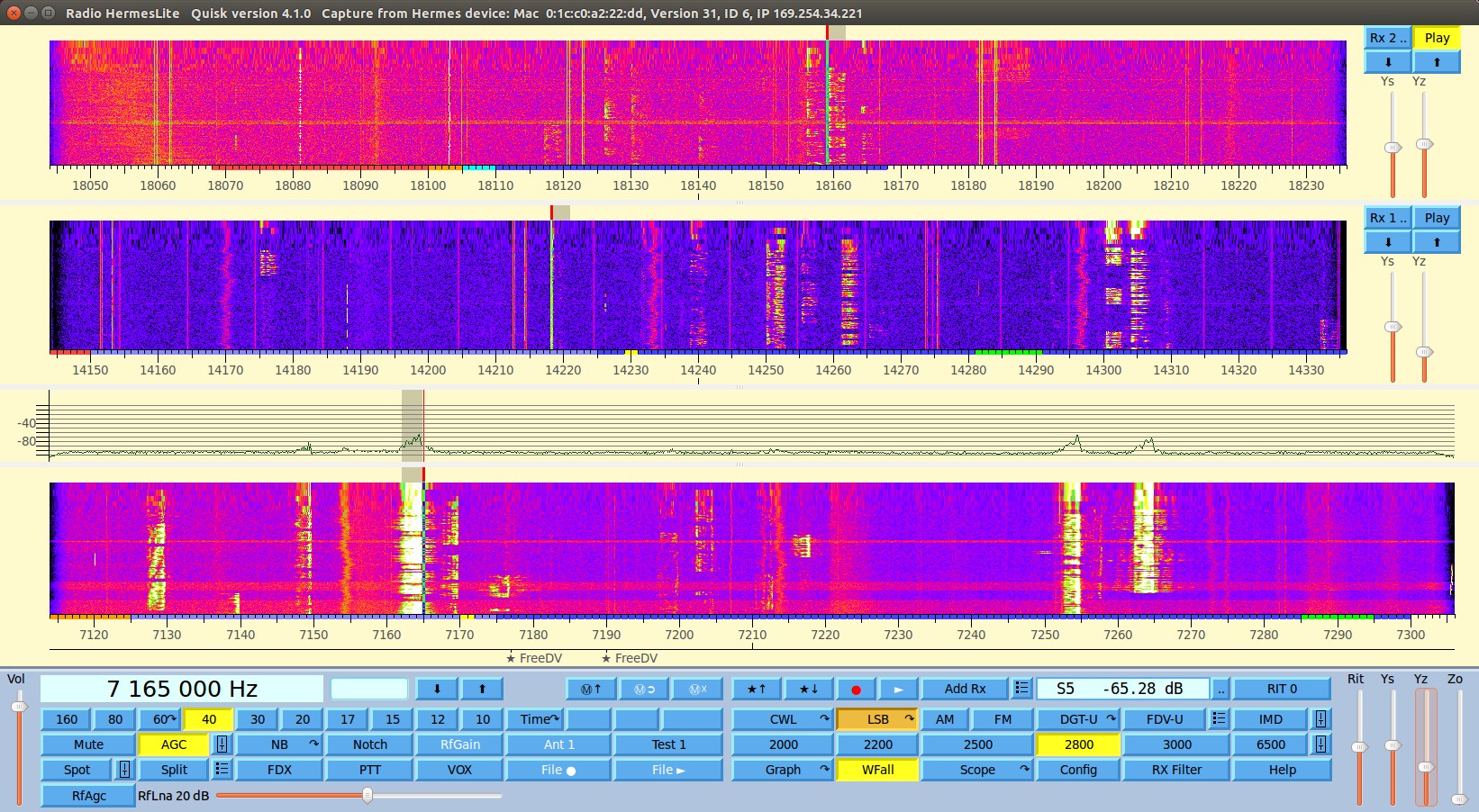
Here are some screen shots of Quisk. The usual graph and waterfall display are available. I dislike radios that look like computer programs so I designed Quisk with lots of buttons (a personality quirk of mine I guess). Hopefully Quisk looks like a radio and it is obvious how to use it. The red/yellow/blue bars at the bottom of the graph are the band plan. They mark the CW/SSB parts of the band, and show the ARRL additions.